
Introduction to 3D Printing (Grades 3+)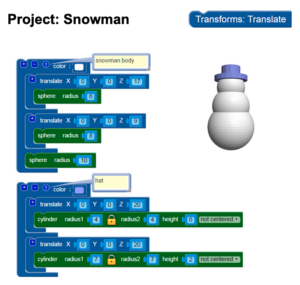 Heard about 3D printers in the news? Although the technology has been around for over 30 years, the personal 3D printer movement makes anything seem possible. In this fast-paced workshop you’ll get to “meet” a 3D printer, discuss the history of the technology, then dive into some basic 3D design. If the kids get excited about this, the 3D-design software we teach is free so they can continue their experimentation at home.
Note that this will be a whirlwind introduction; kids would not get to take home a 3D print of something they designed though they will take home a small 3D print.
Build and Launch Rockets (Ages 5+)
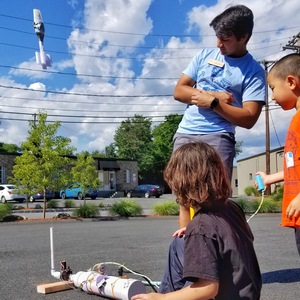 Build and launch rockets to see whose will fly the highest.
Introduction to Robotics (Grades K-3)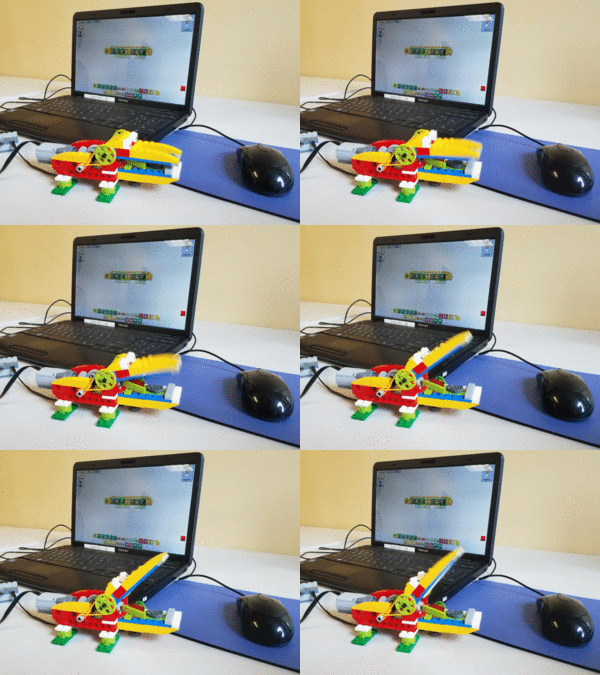 Students will discuss what a robot is then build a basic robot.
If time permits, they’ll also get to program sensors or other aspects to make the robot react to its environment.
Introduction to Robotics (Grades 4+)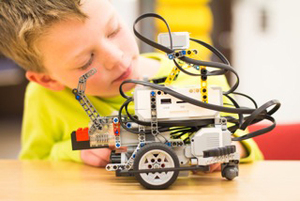 Students will discuss what a robot is then build a robot or learn to program already assembled robots. It would take two hours for kids to assemble and learn to program the robots but that’s an option too.
Tower building (Ages 4+)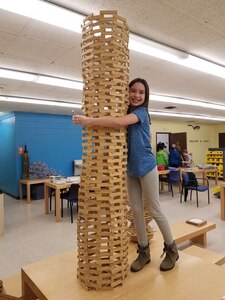 Each student or team of students builds a tower. See who can build the tallest tower!
Minecraft Architecture (Grades K+)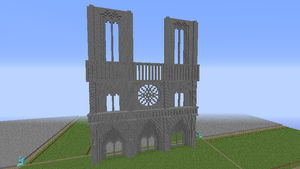 Explore various architectural styles that have been recreated in Minecraft and then design your own buildings inside Minecraft.
Introduction to Programming with Scratch (Grades 2+ though we can do Scratch Jr. with kids as young as 4)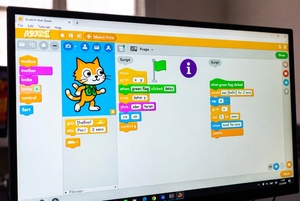 Learn basic concepts of programming using the incredibly popular programming environment, Scratch, developed by MIT. Scratch is a “block based” programming language where students learn to program by snapping together digital blocks of code. Animate stories and create simple game mechanics. No previous programming experience required! If the kids get excited about this, Scratch is free so they can continue their experimentation at home.
Bridge building workshop (Grades 2+)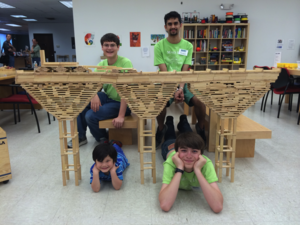 Students or teams of students build bridges that must span a certain distance. We then test the bridges to see how much weight they can support.
Earthquake simulation (ages 4+)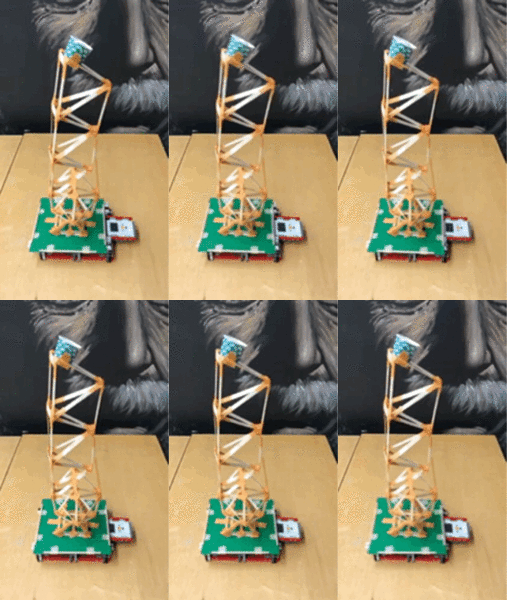 Each student or team of students builds a tower then tests it on our earthquake simulator. See whose tower survives the longest or holds the most weight!
